01
Customer communication
Organize predictable first replies and keep a clean handoff to real support.
A Windows desktop workspace for organizing Telegram auto replies, campaign communication, accounts and activity logs without losing operational visibility.
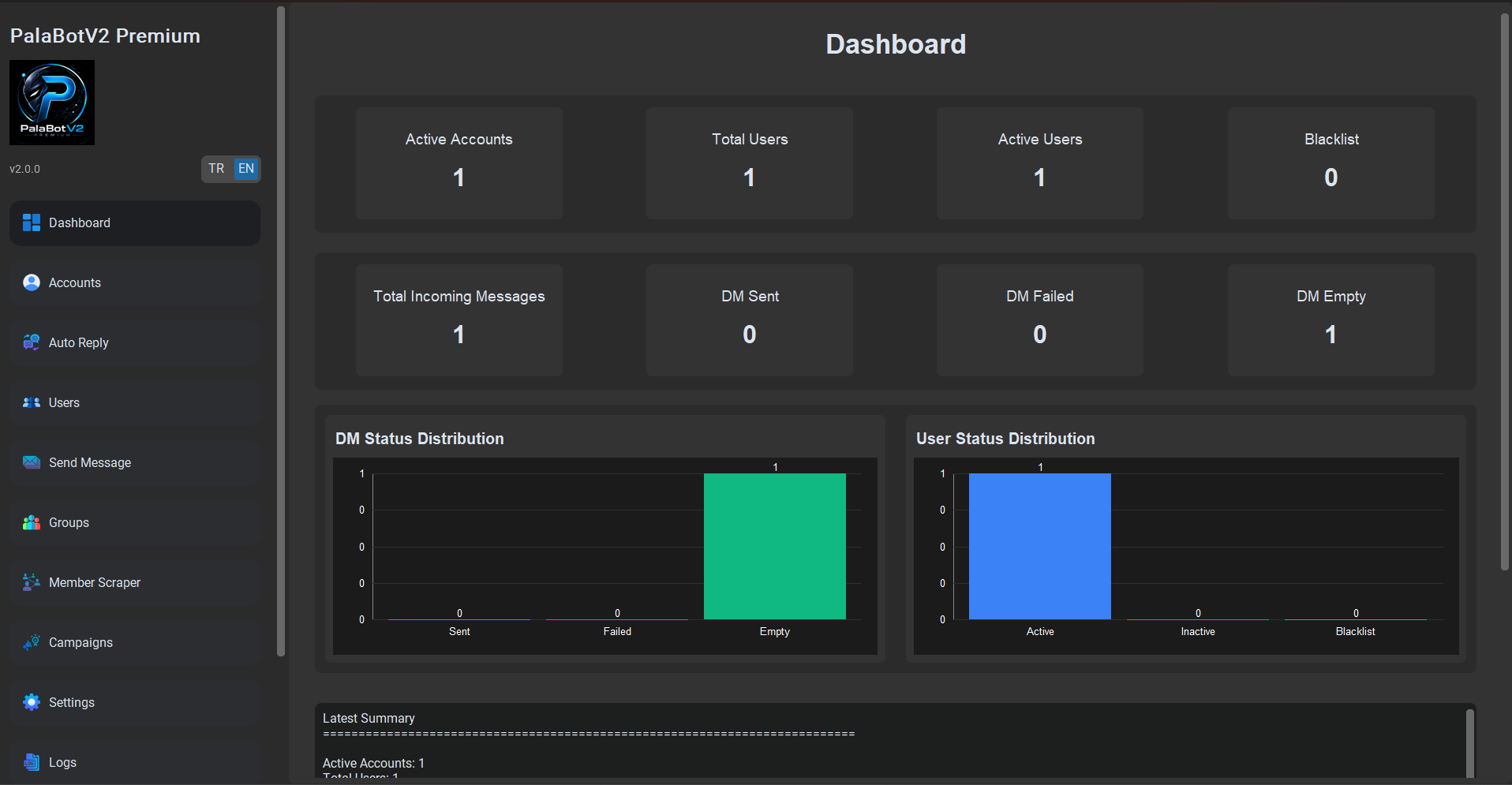
PalaBot V2 brings auto reply rules, campaign activity, account context and logs into one local Windows workspace, so Telegram operations stay organized and reviewable.
Organize predictable first replies and keep a clean handoff to real support.
Review repeated questions, account context and activity from one workspace.
Keep campaign communication, pacing and history easier to inspect.
Track account status, activity logs and workflow signals from a desktop panel.
Watch a short walkthrough of the Windows dashboard, account review, auto reply setup and campaign workflow before downloading.
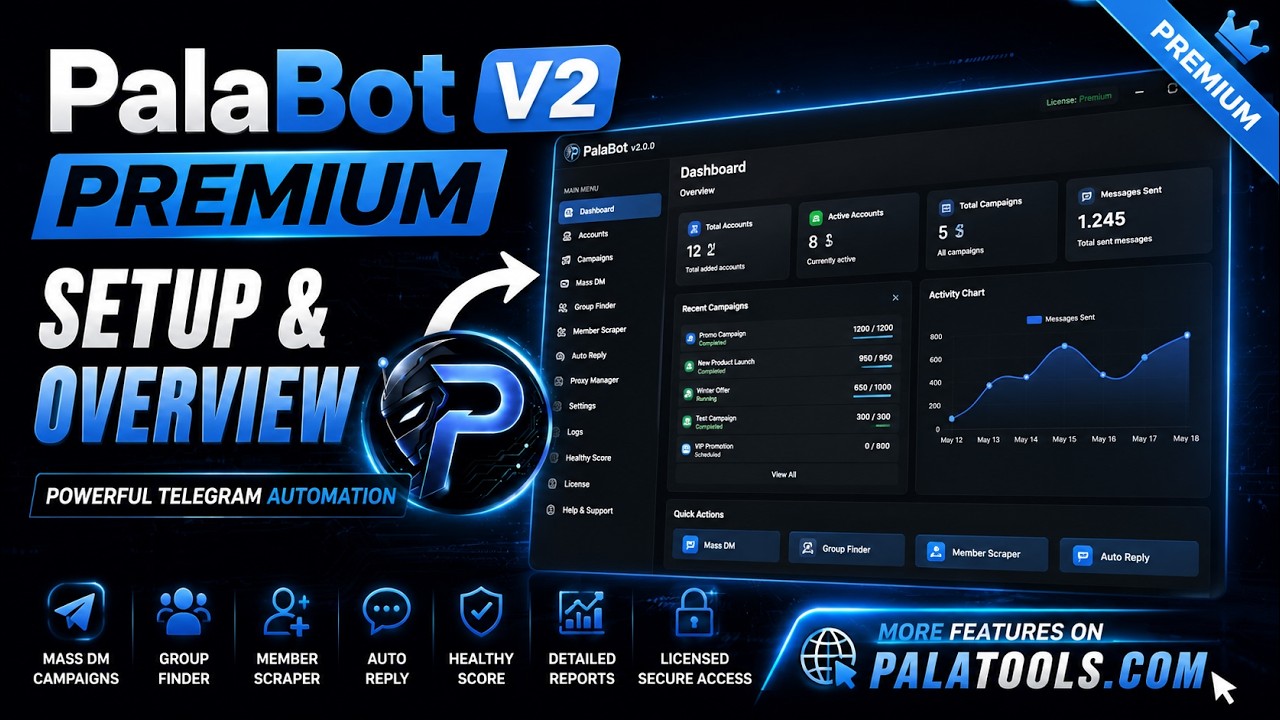
The demo focuses on setup, reviewability and the core product flow without turning the homepage into a single-product video page.
The screenshots are kept as clean previews, not oversized hero graphics. Open any screen to inspect the full product view.
The product is built around a connected desktop flow: replies, campaigns, accounts, discovery, logs and health-aware controls.
Configuration, activity and improvement stay connected instead of disappearing into disconnected notes or scripts.
Get the complete PalaBot V2 Premium Windows application with no account, subscription, payment, activation or license key required.
PalaBotV2Premium_Setup_v2.0.1.exe08AAE2D90856791E9C2A15109E4C40B3ABB5BE11A1851C6DD82C5C610929F328The installer is currently unsigned, so Windows SmartScreen may display an “Unknown publisher” notice. Download only from the official PalaTools GitHub release and verify the SHA-256 checksum.
Basic bot builders, custom scripts and desktop software serve different needs. PalaBot V2 is for users who want local visibility and a reviewable operating surface.
Useful for simple guided reply flows when the workflow is small and mostly platform based.
Flexible for technical teams, but they require infrastructure, maintenance and custom logging.
Built for a local Windows workspace where replies, campaigns, accounts and logs can be reviewed together.
It is not a growth guarantee or a replacement for responsible communication. It is built for organized, controlled and reviewable Telegram workflows, not unsolicited or irresponsible messaging.
Clear answers about downloading and using PalaBot V2 Premium.
PalaBot V2 Premium is a local Windows workspace for organizing and reviewing Telegram accounts, auto replies, campaigns, discovery workflows and activity logs from one dashboard.
Yes. PalaBot V2 Premium is available as a completely free full version. No account, subscription, payment, activation or license key is required.
Use the official Download for Windows button on this page. The installer is provided through the official PalaTools GitHub release.
PalaBot V2 Premium is designed for Windows 10 and Windows 11.
Settings, accounts, sessions, logs and databases are stored locally in the PalaBot V2 Premium application data directory on your Windows user profile.
No. Auto Reply is one module in a broader desktop workflow covering accounts, campaigns, users, groups, discovery, logs and operational visibility.
No. The application does not require a PalaTools account, subscription, activation or license key.
The current installer is unsigned. Download it only from the official PalaTools GitHub release and verify the published SHA-256 checksum.
No. PalaBot V2 is designed for organized and responsible Telegram workflows, not unsolicited or irresponsible communication.
Get the complete Windows application for free. No account, payment, subscription or license key required.