Featured Product
PalaBot V2 Premium
PalaBot V2 is a Windows desktop Telegram automation tool for managing auto replies, Telegram workflows and campaign communication from a local desktop interface.
Test auto replies, account management, campaign workflows and Telegram operations on Windows with PalaBot V2. 1 month free early access is now available.
Read Blog
A short product walkthrough will show the Windows dashboard, accounts, auto reply setup and campaign workflow before you request access.
Watch setup, license activation and core features in a short video.
Professional software products built under the Pala Software brand, with PalaBot V2 Premium leading the current lineup.
PalaBot V2 is a Windows desktop Telegram automation tool for managing auto replies, Telegram workflows and campaign communication from a local desktop interface.
Pala Software is structured as a serious product brand, designed to grow with new software releases over time.
Clean interfaces, premium product presentation and practical tools designed to look and feel like polished commercial software.
Preview the main work areas planned for the PalaBot V2 Windows dashboard.
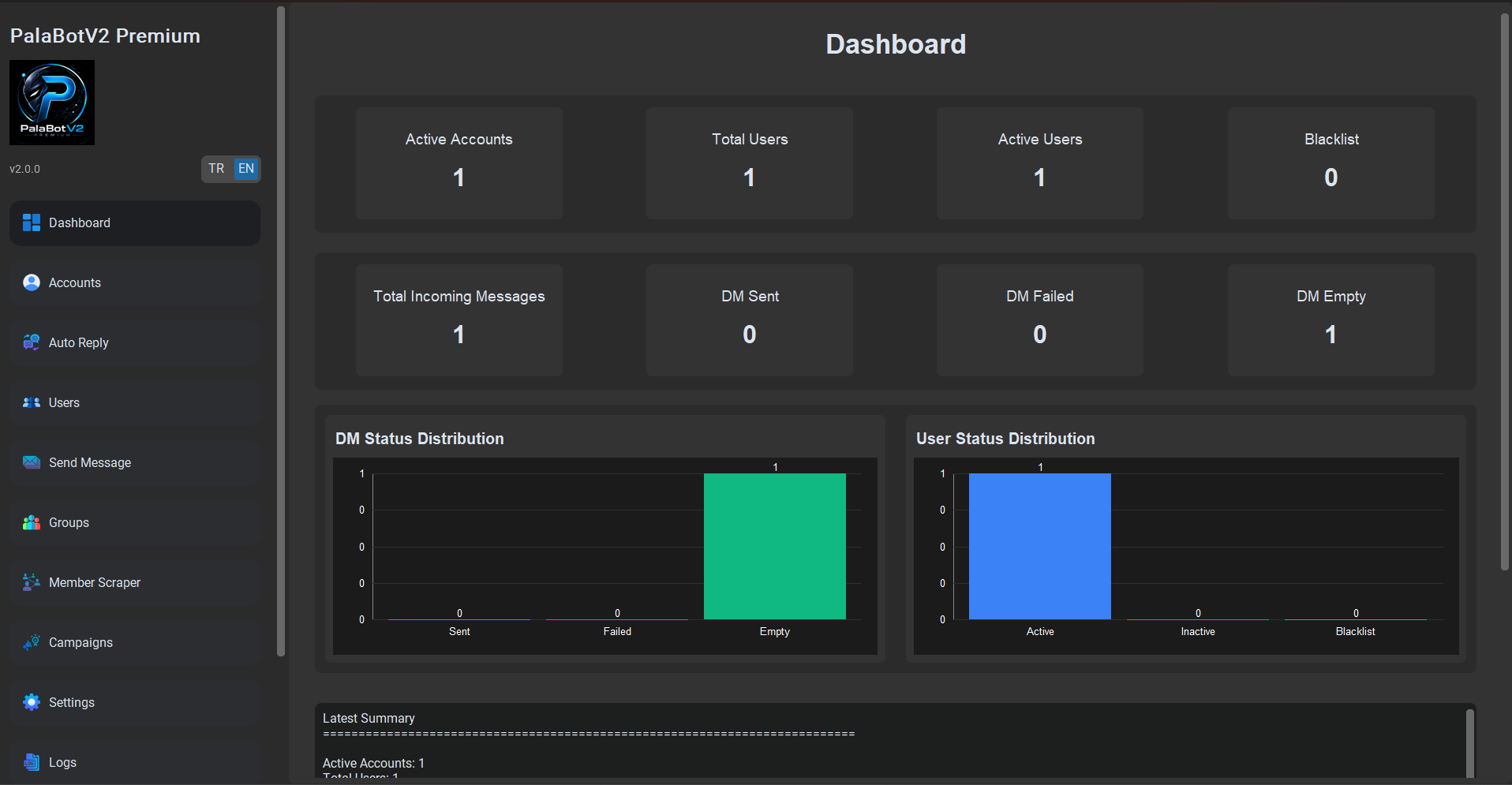
Track license status, workflow activity and key account signals from one home view.
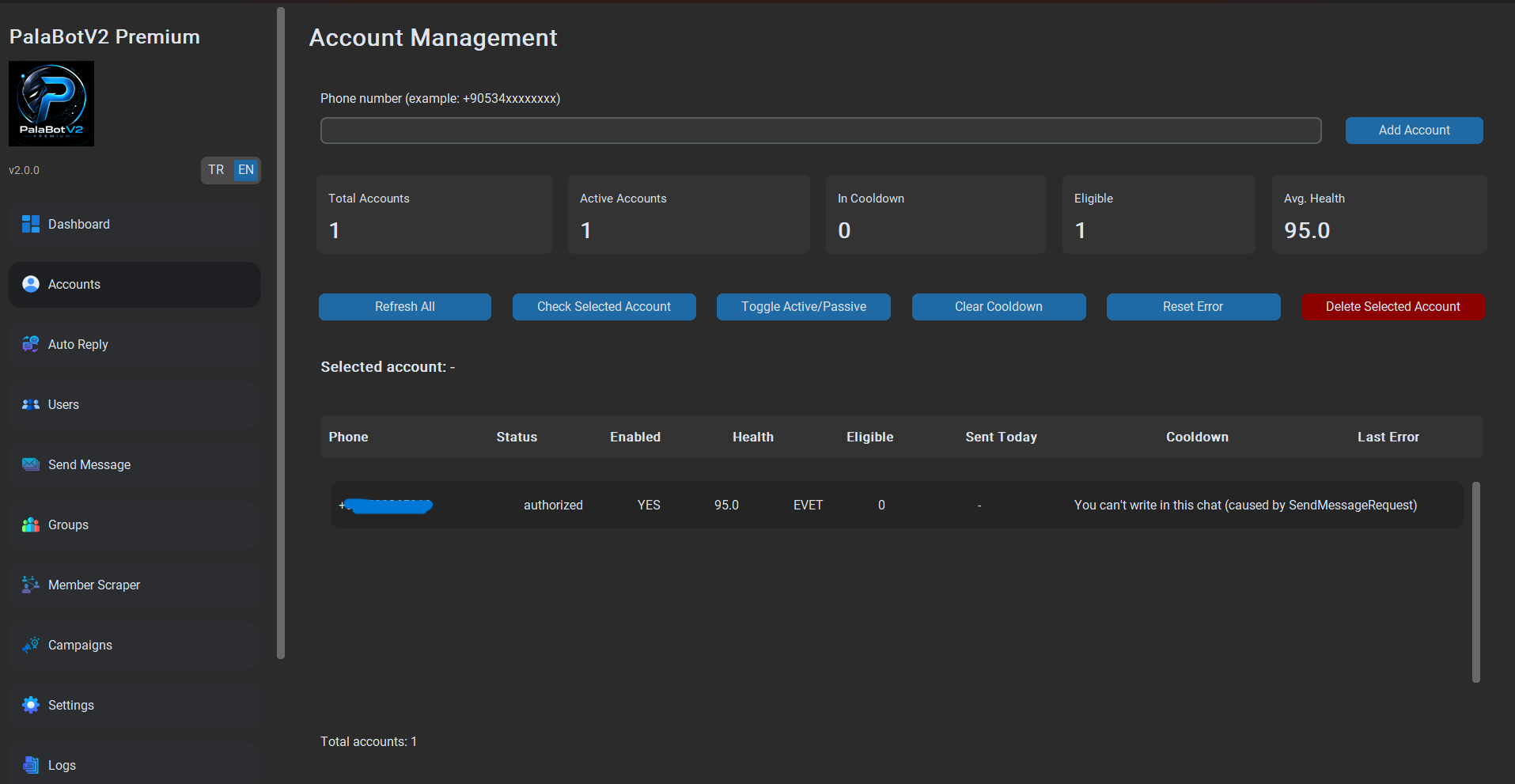
Organize Telegram accounts and review status before running automation workflows.
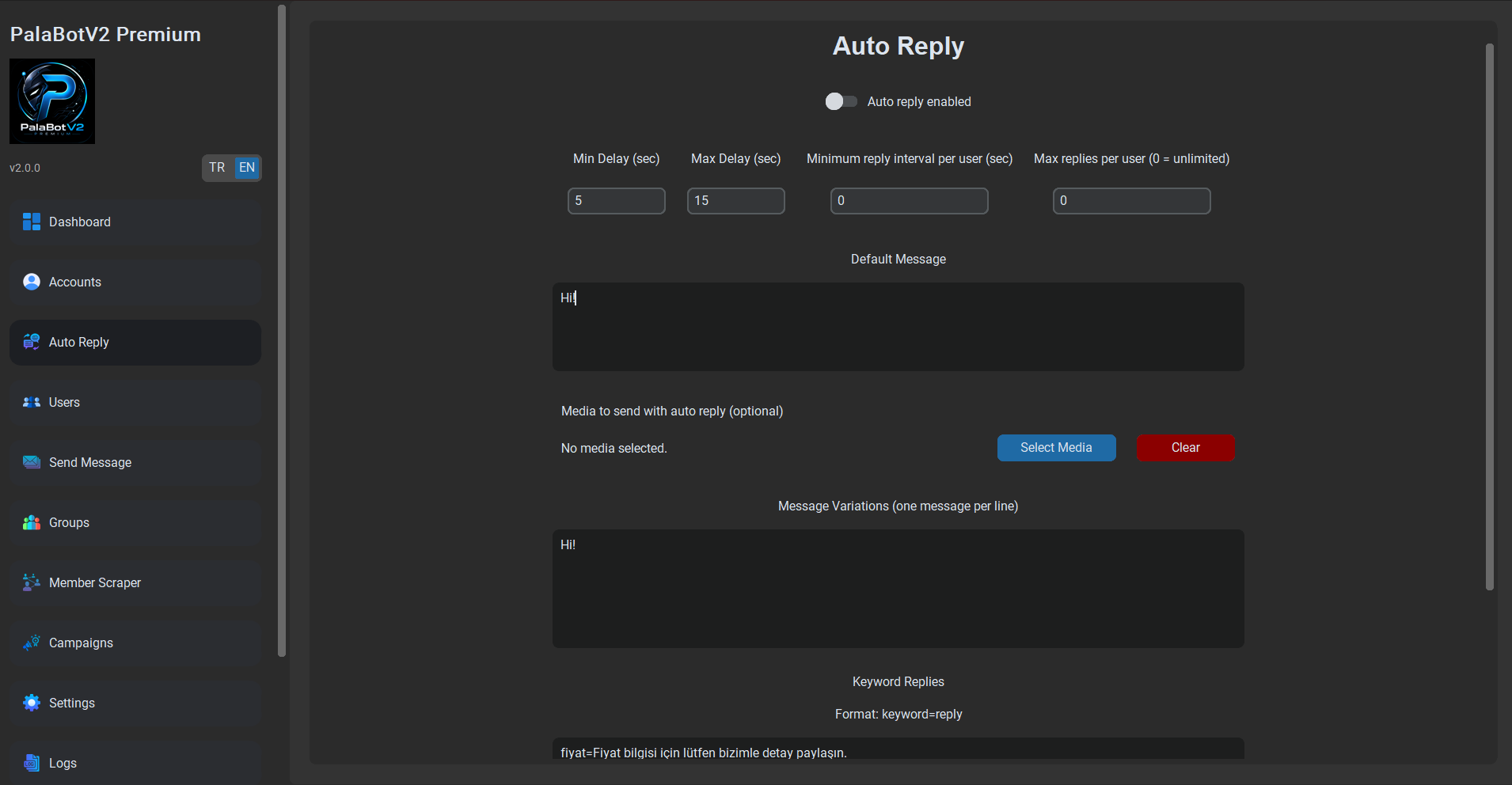
Set up structured replies for faster first contact and support responses.
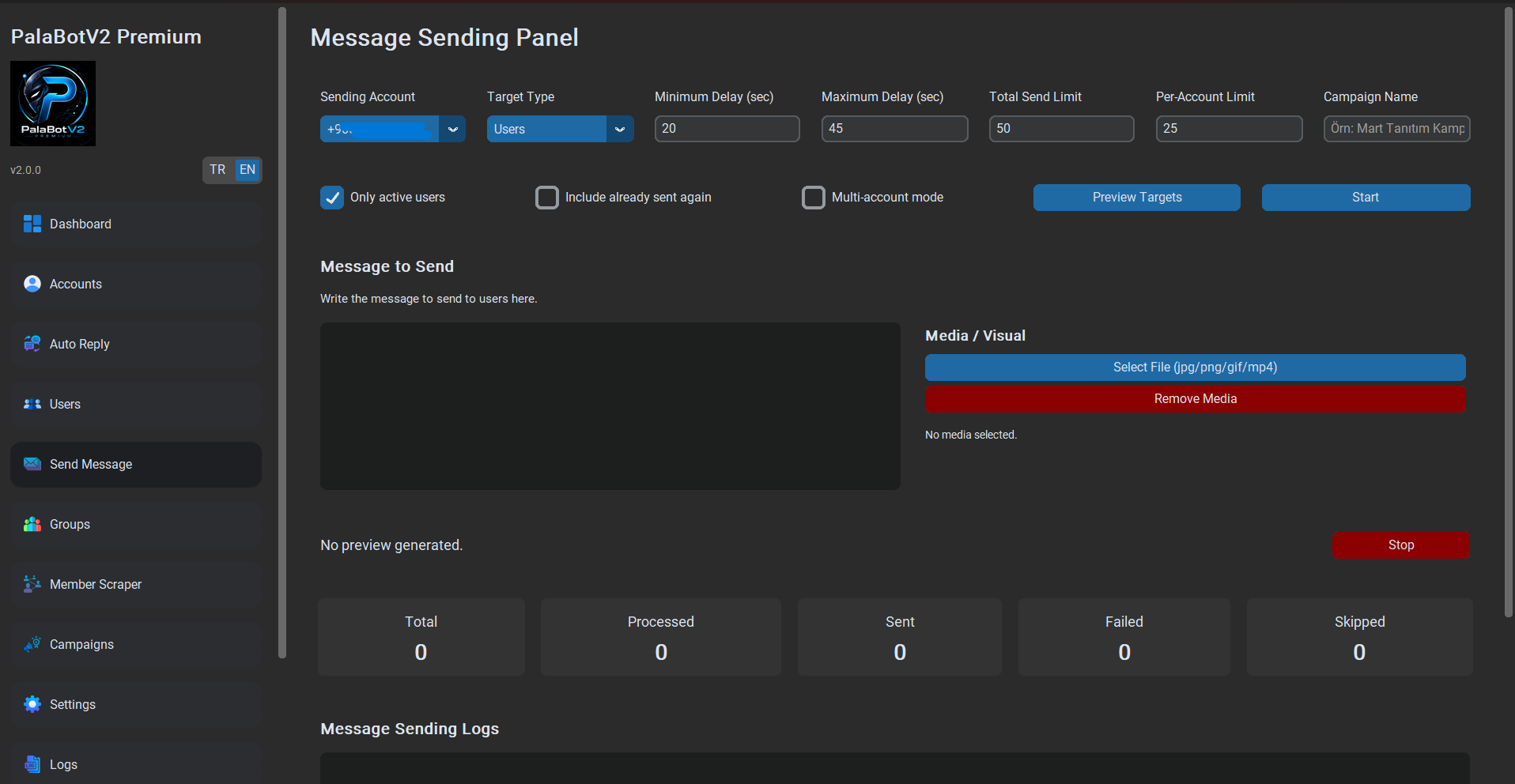
Test campaign messaging flows with pacing controls and operational visibility.
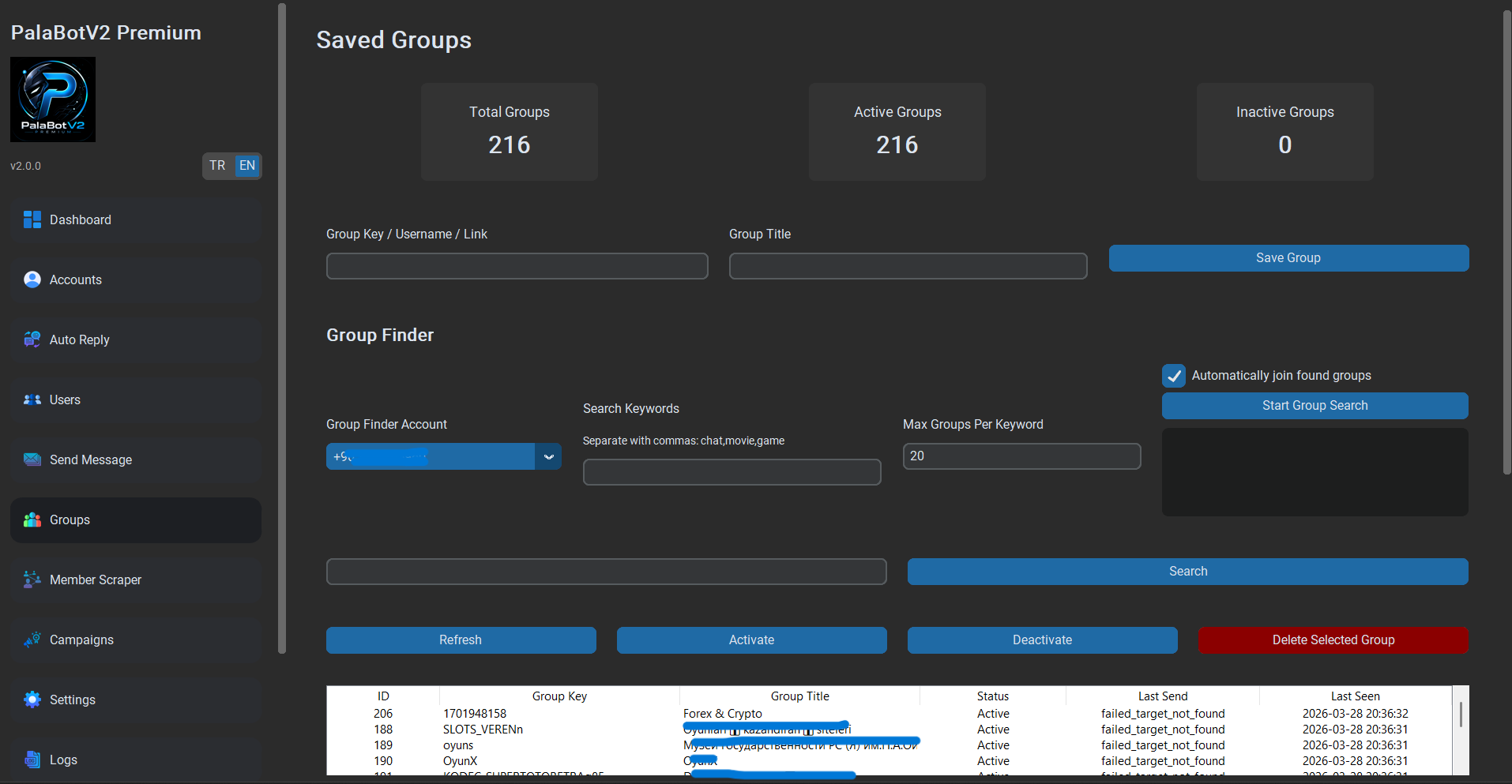
Collect public group/member data for organized discovery workflows.
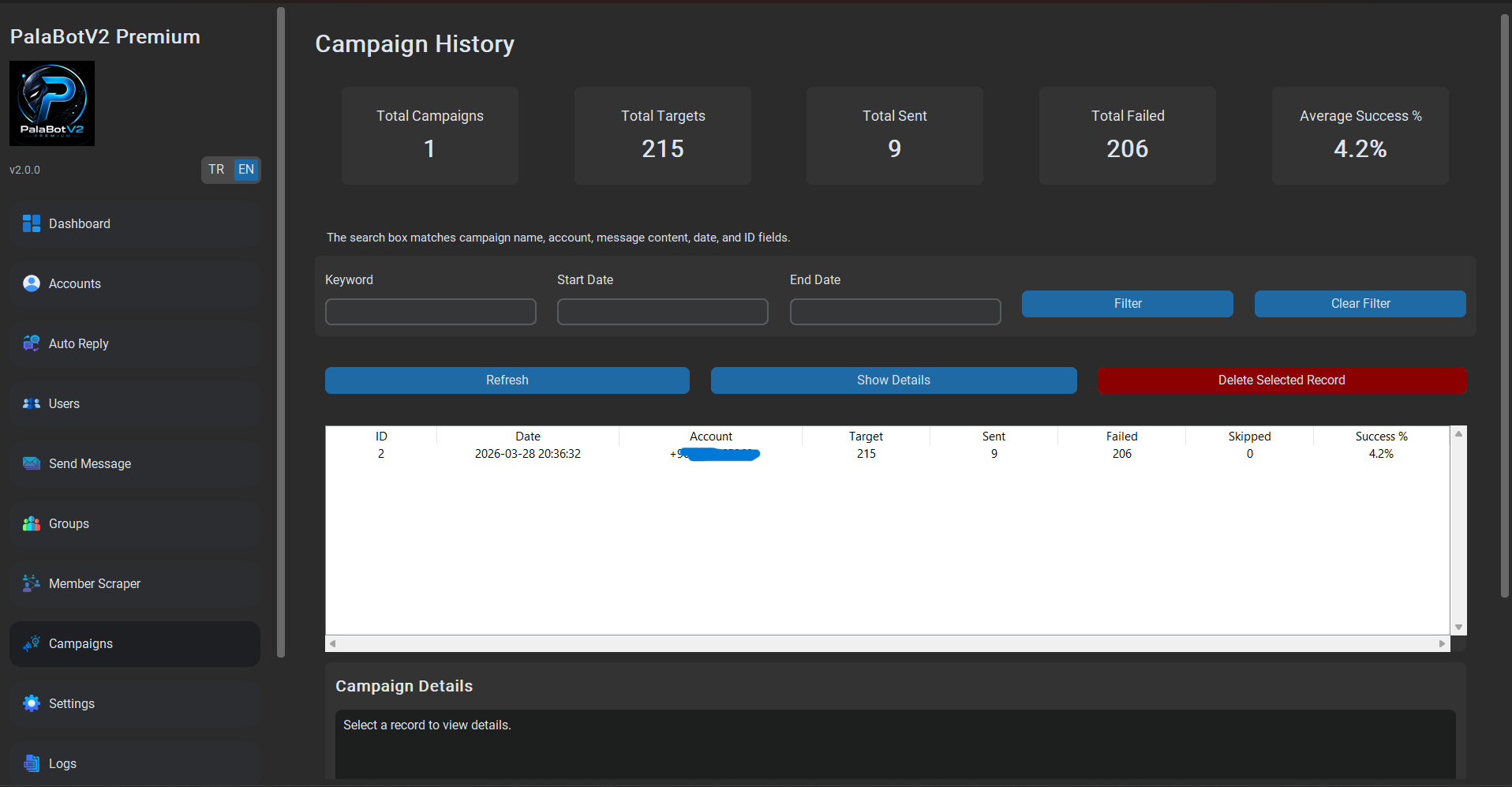
Review campaign history, logs and progress from a dedicated workspace.
PalaBot V2 Premium combines advanced Telegram automation modules, safety systems and account controls inside one premium desktop client.
Run message campaigns with multi-account support, delay controls and campaign tracking.
Discover groups, scrape members and build targeted workflows around Telegram growth operations.
Automate replies, monitor logs, manage accounts and keep operational visibility in one interface.
Monitor account quality and keep sending activity safer with account health visibility.
Built with practical safety-focused controls for cooldown handling and safer automation flows.
Track what is happening inside campaigns and automation modules through a clear operational panel.
Use the campaign period to evaluate the PalaBot V2 Windows dashboard, automation modules and account workflow before the wider release.
This campaign focuses on product testing, not social proof or public usage numbers. You can inspect the desktop experience and decide whether it fits your Telegram operation.
Create your account, submit a free access request, and receive your license key and Windows download link by email or dashboard after approval.
The account flow keeps your request, approval state, license key and dashboard access connected in one place.
Follow these steps after you decide to apply for the campaign.
Build a clear foundation in Telegram auto reply, message workflows and bot planning before deciding whether to test PalaBot V2.
Understand automatic replies, then see how a practical Telegram auto reply bot workflow is structured.
Plan responsible message flows and compare the main ways to build a useful Telegram bot.
Explore sustainable bot business models, then review PalaBot V2 when you are ready to test a desktop workflow.
Quick answers about free early access, approval and what happens after your first month.
PalaBot V2 is offering 1 month of free early access for approved users. The free license is intended for testing the Windows desktop dashboard and core workflows.
Create an account, open the membership flow and submit your free license request. Requests are reviewed manually.
After approval, the license key and Windows download link are sent by email or made available through your dashboard.
No. Donations or payments are not the main access path for this campaign. Early access is based on manual approval of the free license request.
After the free month ends, access may expire or move to a future paid plan depending on the public release status and account approval rules.
For access, support and product questions, use the channels below.
Direct communication channel for support and product updates.
Email contact for support, licensing and product communication.